


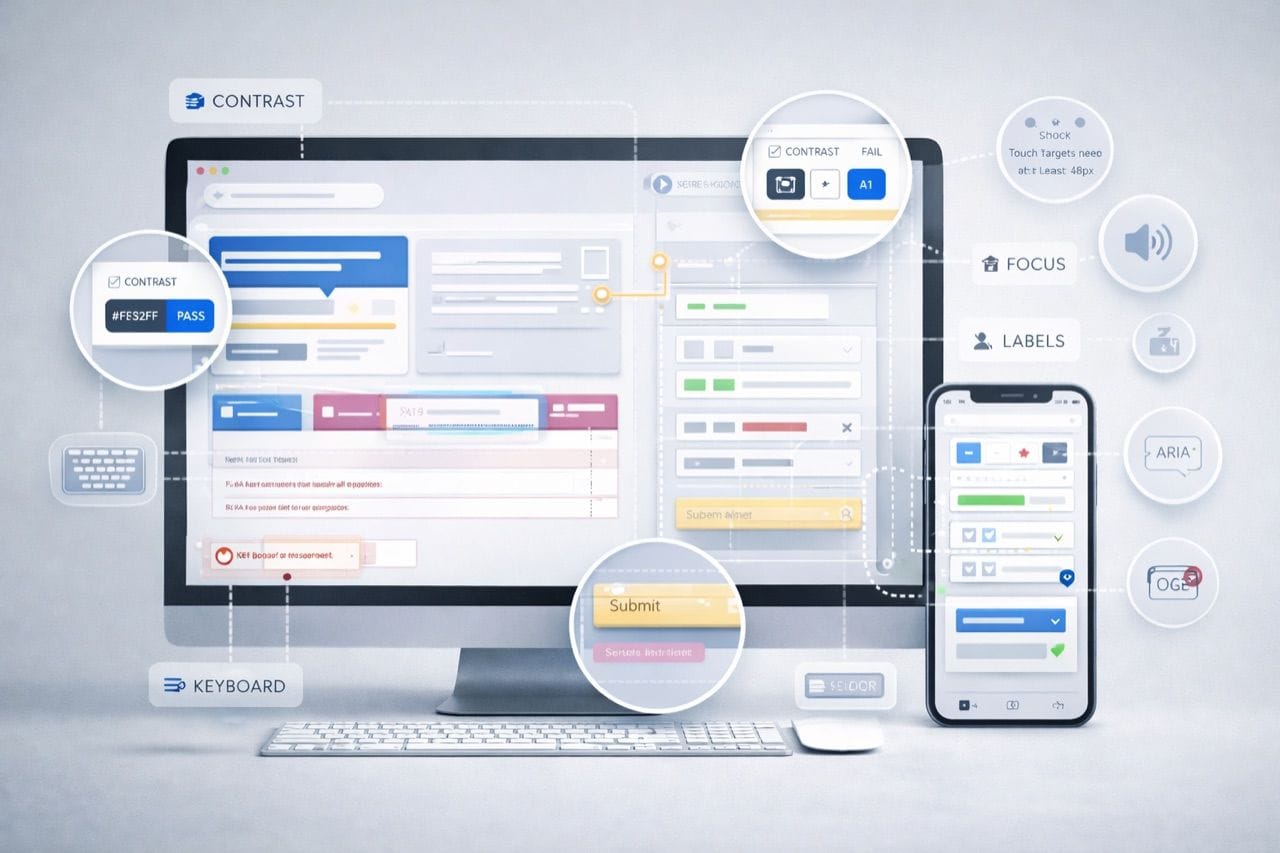
Accessibility is no longer optional for digital products. Users with visual, auditory, motor, or cognitive impairments represent a significant portion of potential audiences, and failing to accommodate them can lead to exclusion, frustration, or legal penalties. Conducting a UX/UI audit evaluates a site’s accessibility against established standards such as WCAG and ADA. Beyond compliance, audits identify design flaws that impede usability for all users, making websites more intuitive and efficient. Companies that invest in accessibility audits demonstrate social responsibility and improve customer trust. Such audits also uncover opportunities to optimize layout, content, and interactions, strengthening engagement and conversion rates.
A proper audit requires collaboration between designers, developers, and compliance specialists. It should include both automated testing and human evaluation to capture subtle usability issues. When conducted systematically, an audit provides a roadmap for improvement, ensuring that accessibility becomes an ongoing part of product design rather than an afterthought.
Key Areas to Review in a UX/UI Accessibility Audit
Audits must examine multiple aspects of a website, ranging from visual design to interactive functionality. A detailed review highlights areas where users might encounter obstacles, enabling teams to prioritize changes based on impact and feasibility. Understanding these areas in depth allows for a more comprehensive approach to inclusivity, ensuring no element is overlooked.
- Navigation and Structure: Verify that menus, links, and interactive elements can be used via keyboard and screen readers.
- Text and Visuals: Check font sizes, color contrast, and alt text for images to ensure readability and comprehension.
- Forms and Input Fields: Ensure error messages, labels, and instructions are clear and accessible.
- Multimedia Content: Provide captions for videos and transcripts for audio content.
Reviewing these areas is just the first step. Teams must interpret findings in context, identifying both high-risk accessibility barriers and usability enhancements that benefit all visitors. Improvements in these areas often translate to lower bounce rates, higher engagement, and stronger user satisfaction. Organizations that address accessibility in a structured manner also reduce the risk of legal action while creating a website that is inclusive and professional.
Conducting the Audit: Tools and Methods
A comprehensive audit blends technology and human insight. Automated tools can quickly detect technical issues, but they cannot replicate the experience of users with disabilities. Therefore, audits should combine multiple approaches to ensure thorough evaluation.
- Automated Accessibility Scanners: Detect coding errors, missing alt tags, and contrast problems.
- Human Testing with Assistive Technology: Identify subtle issues in navigation and content comprehension.
- UX Analytics: Examine user flows, drop-offs, and interaction patterns to uncover friction points.
Using these tools in combination ensures that both obvious and nuanced barriers are addressed. Teams can generate a prioritized action plan for remediation, balancing compliance requirements with practical design improvements. Repeated testing after implementation confirms that fixes work as intended and do not create new obstacles. Organizations that integrate audit findings into ongoing design cycles make accessibility a core part of their product strategy rather than a one-time checkbox exercise.
Integrating Accessibility Into Ongoing Design
Conducting a UX/UI audit is only valuable if insights inform continuous improvement. Accessibility should become part of the standard design workflow, embedded in wireframes, mockups, and user testing procedures. Designers should consider accessibility from the outset to prevent costly retrofits and ensure usability for all.
Embedding accessibility into the design process also encourages innovation. Teams often discover alternative ways to present content, simplify navigation, and create cleaner layouts that benefit everyone, not just users with disabilities. Companies that follow this approach build a culture of inclusivity, reducing compliance risks and enhancing brand reputation. Partnering with experts, such as Ankord Media, helps integrate these principles efficiently and ensures alignment with industry standards while maximizing overall user experience.
Every UX/UI audit contributes to a more usable, accessible, and compliant website. Beyond legal protection, audits improve engagement, loyalty, and credibility. Organizations that approach accessibility strategically gain long-term operational advantages and position themselves as inclusive, forward-thinking leaders in their industry. A systematic and thoughtful audit ensures that accessibility is not reactive but an integral part of digital strategy, fostering better experiences for all users and safeguarding against unnecessary risk.