


- Introduction
- Quick Answer
- 1. Define what “90+” means for a startup site
- 2. Set a performance budget first so your score stays 90+
- 3. Run a baseline the right way so you do not chase noise
- 4. Use this diagnostic map to know exactly what to fix
- 5. Fix LCP by making the hero render fast and predictable
- 6. Remove render-blocking CSS and keep your “first view” styles minimal
- 7. Cut JavaScript execution time, not just file size
- 8. Treat third-party scripts like headcount and enforce governance
- 9. Make images impossible to break with a simple pipeline
- 10. Fix CLS by reserving space for everything that loads later
- 11. Fix fonts so they do not delay the hero or cause layout jumps
- 12. Improve INP by keeping interactions lightweight
- 13. Use CDN caching and server performance to remove the last 10 points of friction
- 14. A concrete example: SaaS landing page stuck at 78 on mobile
- 15. A two-sprint plan that is realistic for a small team
- 16. Common reasons Bay Area startups miss 90+ even after “optimizing”
- Final Tips
Introduction
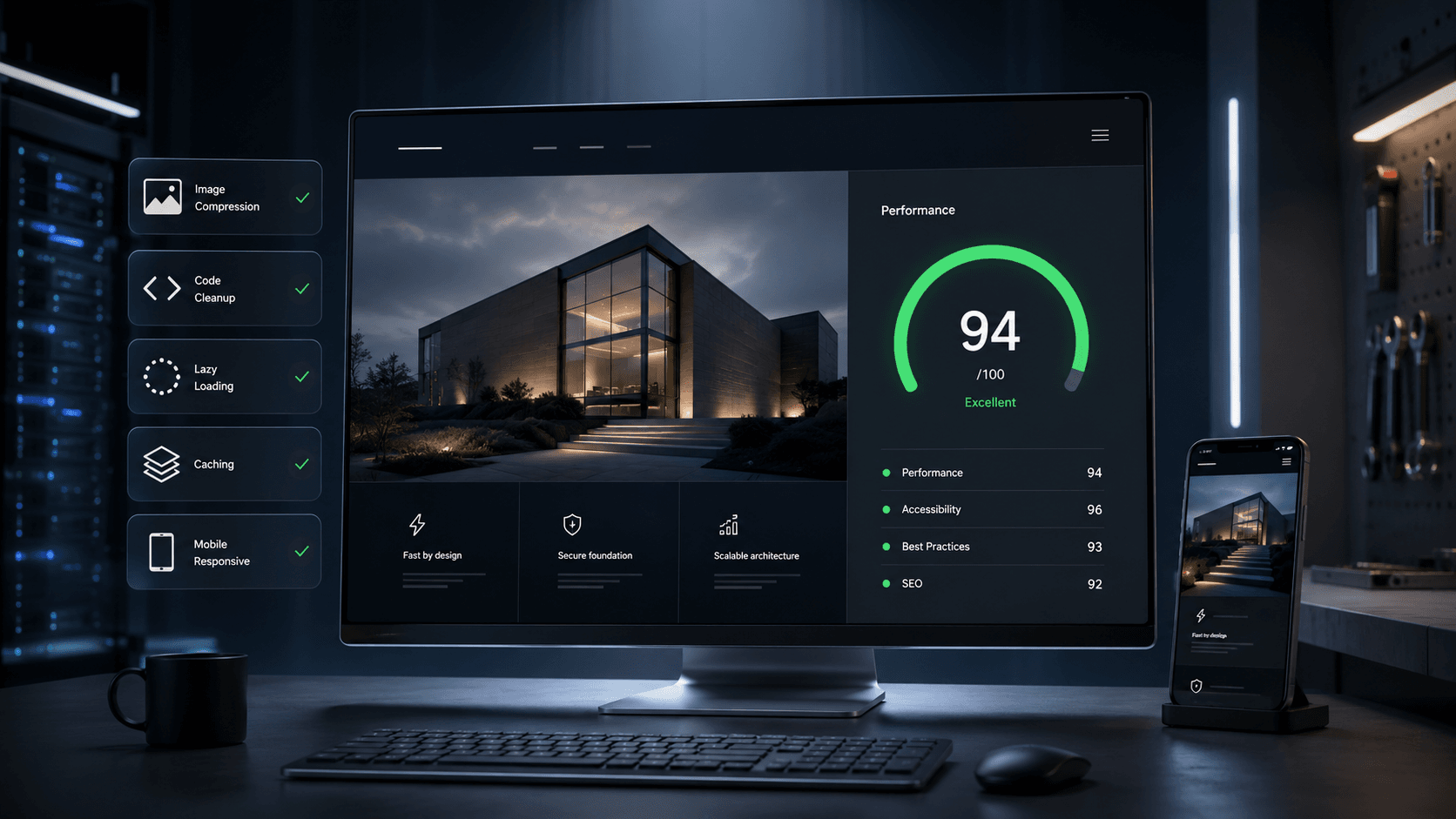
A 90+ Google PageSpeed score is not about perfect code or expensive tooling. For most Bay Area startups, it is about making the first screen load fast on mobile, then pushing everything else later. If you treat performance like a product metric with guardrails, 90+ becomes repeatable across pages, not a one-off win.
Quick Answer
To hit a 90+ PageSpeed score, optimize in this order: make the LCP element render fast on mobile, remove or delay anything that blocks first paint, aggressively optimize images and fonts, cut JavaScript execution and third-party scripts, prevent layout shifts by reserving space for media and embeds, then lock in CDN caching and a performance budget so the score does not regress as marketing adds tools.
1. Define what “90+” means for a startup site
A Bay Area startup site usually has the same ingredients: a hero section, proof blocks, a form, analytics, and a few “nice-to-have” tools like chat and scheduling. To reach 90+, you are not trying to make the entire page instant. You are trying to make the first meaningful view instant.
Your goal state looks like this on mobile:
- The above-the-fold content is readable quickly, even on a mid-range phone.
- The hero does not wait on a big image, heavy animation, or late-loading fonts.
- The page does not freeze when the user taps menus or forms.
- Nothing jumps around as assets load.
If you can consistently deliver that, the 90+ score follows.
2. Set a performance budget first so your score stays 90+
Most teams can “fix PageSpeed” once. The hard part is keeping it high as the site evolves.
Use a practical budget that maps to a 90+ target for typical marketing pages:
- Total initial page weight under 1.0 to 1.5 MB on mobile
- Requests under 70 for a marketing page, under 90 for a blog page
- Critical CSS under 40 KB compressed
- JavaScript executed before interaction under 150 KB compressed
- Above-the-fold media under 150 to 250 KB combined
- Fonts: 1 family and 1 to 2 weights for the first view
- Third-party scripts: only the ones that directly support revenue or compliance
Treat this like a product requirement. If a new tool pushes you over budget, it needs an owner and a decision.
3. Run a baseline the right way so you do not chase noise
A lot of PageSpeed “fixes” fail because teams optimize the wrong page or the wrong signal.
Baseline like this:
- Test mobile first and use the same test settings each time.
- Test templates, not just one page: homepage, a top landing page, pricing, a lead form page, and a blog post template.
- Run 3 tests per page and look for patterns, not one-off spikes.
- Identify your LCP element on each template and write it down.
Create a simple “performance board” for each template:
- LCP element (what exact element is it)
- Total page weight and total requests
- Top 5 scripts by main-thread time
- Top layout shift sources
This turns “performance” into a clear backlog.
4. Use this diagnostic map to know exactly what to fix
When a startup site is stuck below 90, it is almost always one of these patterns. Match your issue to the fix.
If LCP is the problem, your fixes are usually:
- Hero image is too large or not prioritized
- Critical content depends on JavaScript rendering
- Fonts delay the hero headline
- Server response time is slow
If INP is the problem, your fixes are usually:
- Too much JavaScript executes on load
- Third-party scripts monopolize the main thread
- Heavy animations and listeners run during scroll and taps
If CLS is the problem, your fixes are usually:
- Images and embeds have no reserved space
- Fonts swap late and change text size
- Banners, cookie bars, or popups inject above content after load
This mapping matters because it prevents “random optimization.” You fix the bottleneck, then move on.
5. Fix LCP by making the hero render fast and predictable
For Bay Area startup sites, the LCP element is commonly the hero headline or hero media. If your hero is built like a mini product, your LCP will suffer.
Make the first view simple:
- Use one hero, not a carousel.
- Avoid a large background video as the initial LCP element.
- Keep the hero layout stable with reserved space for media.
Prioritize the LCP resource:
- If the LCP is an image, load it as a real image element with responsive sizing.
- Ensure it is not lazy-loaded when it is above the fold.
- Provide width and height so the browser can reserve space and paint faster.
Reduce the LCP payload:
- Use modern formats like WebP or AVIF.
- Compress the hero image aggressively.
- Serve a mobile-sized asset, not a desktop asset scaled down.
If your site relies on client-side rendering for the hero, consider rendering the first view from the server. The simplest test is this: the first view should still look credible if JavaScript fails.
6. Remove render-blocking CSS and keep your “first view” styles minimal
A fast hero is useless if CSS blocks painting.
A clean approach:
- Inline only the CSS needed for the first screen.
- Load the rest of your CSS after first paint.
- Remove unused framework styles and purge aggressively.
Common reasons startup sites ship too much CSS:
- Page builders that load global CSS for every component
- Multiple design systems layered on top of each other
- Excessive animation styling across the entire page
The fix is rarely “add more CSS tricks.” It is usually “ship less CSS.”
7. Cut JavaScript execution time, not just file size
Many sites download reasonable JavaScript but still fail because the browser spends too long parsing and executing it. That is where scores die on mobile.
High impact moves:
- Remove libraries you are not actively using.
- Replace heavy animation libraries with simpler CSS transitions where possible.
- Split bundles so only the code for the current page loads.
- Delay non-critical UI features until after interaction.
A useful rule for startup marketing pages: if the visitor can read, understand, and scroll the first view without a script, that script probably should not block initial rendering.
8. Treat third-party scripts like headcount and enforce governance
The fastest way to lose a 90+ score is stacking tools. Early-stage teams often add scripts faster than they remove them.
Create a third-party script policy:
- Every script has an owner.
- Every script has a business purpose tied to a metric.
- Everything non-essential loads after interaction or after a short delay.
- Anything that adds heavy main-thread time needs a replacement or removal.
Typical offenders:
- Multiple analytics and tag systems
- A/B testing and personalization
- Chat widgets and schedulers
- Heatmaps and session replay
- Social embeds
If you must keep them, you can still hit 90+ by delaying and limiting them. The first view should not pay the cost of your entire tool stack.
9. Make images impossible to break with a simple pipeline
Images are the most consistent win for PageSpeed. They are also the easiest thing to mess up when marketing uploads assets.
Implement guardrails:
- Auto-resize and compress uploads.
- Convert to WebP or AVIF on the server or build step.
- Enforce max widths for blog and landing images.
- Lazy-load images below the fold by default.
- Always include width and height to prevent layout shift.
For product screenshots, use a consistent size system. A common mistake is uploading huge screenshots and shrinking them in CSS.
10. Fix CLS by reserving space for everything that loads later
Layout shifts are frustrating for users and they tank scores. The good news is that CLS is often straightforward to eliminate.
Fix CLS systematically:
- Always define dimensions for images and video containers.
- Reserve space for embeds, iframes, and social cards.
- Ensure cookie banners do not push content after paint.
- Avoid late-loading elements above the fold.
Also watch your header. Sticky headers that change height during load can create repeated shifts.
11. Fix fonts so they do not delay the hero or cause layout jumps
Fonts can hurt LCP and CLS at the same time.
A startup-friendly font strategy:
- Use one font family for the first view.
- Limit to 1 to 2 weights initially.
- Preload the primary font used in the hero headline.
- Use a font loading approach that shows text immediately and avoids big metric shifts.
If brand demands multiple fonts, load secondary fonts after first paint.
12. Improve INP by keeping interactions lightweight
INP suffers when the browser is busy doing JavaScript work while the user tries to interact.
Reduce work during interaction:
- Avoid heavy scroll handlers and complex on-scroll effects.
- Keep menus, accordions, and modals simple.
- Debounce input handlers.
- Avoid large client-side re-renders on tap.
If you use a framework like React, hydration and re-rendering can be the hidden cost. Render the first view efficiently and keep “interactive chrome” minimal until needed.
13. Use CDN caching and server performance to remove the last 10 points of friction
When teams get stuck around 80 to 89, the remaining gap is often delivery, not design.
What to ensure:
- CDN for static assets with long cache headers on versioned files
- Compression enabled (Brotli where available)
- Fast server response time through proper hosting and caching
- Minimize redirects and avoid heavy server-side work on first request
A slow server response makes every other optimization feel weaker.
14. A concrete example: SaaS landing page stuck at 78 on mobile
Here is a typical Bay Area startup page that struggles:
What it has:
- Autoplay hero background video
- Three analytics scripts plus a tag manager
- Chat widget and scheduler embed
- Large WebP images but not responsive
- Two font families with multiple weights
What usually fixes it fast:
Step 1: Fix LCP
- Replace autoplay video with a static hero image poster for mobile.
- Serve a responsive hero image sized for mobile and prioritize it.
Step 2: Fix render blocking
- Inline only the first-view CSS.
- Delay non-critical CSS and remove unused styles.
Step 3: Fix JavaScript and third parties
- Delay chat and scheduling until after interaction.
- Audit tag manager tags and remove duplicates.
- Load non-essential tracking after first paint.
Step 4: Fix CLS
- Reserve space for video and embeds.
- Set image dimensions and prevent late-injected banners from shifting content.
This sequence typically moves the score into the 90s because it attacks the true bottleneck: first view speed and main-thread contention.
15. A two-sprint plan that is realistic for a small team
Sprint 1: Get the score to 90+ on your top template
- Identify the LCP element and fix it.
- Remove render-blocking CSS and prioritize first-view styles.
- Compress and right-size above-the-fold images.
- Delay third-party scripts and reduce main-thread work.
- Eliminate first-view layout shifts.
Sprint 2: Make it durable across the site
- Apply the same fixes to your other top templates.
- Add an image pipeline and editor rules so images do not regress.
- Add a performance budget check in your release process.
- Standardize third-party script governance and ownership.
- Validate mobile performance on real devices, not only a laptop.
This is how startups keep performance high while still shipping marketing pages quickly.
16. Common reasons Bay Area startups miss 90+ even after “optimizing”
If your score keeps slipping, it is usually one of these:
- Marketing keeps adding scripts without removing any.
- Hero design keeps changing and reintroducing heavy media.
- CMS or builder outputs bloated markup and styles.
- Performance work is done on one page, not on templates.
- No performance budget exists, so regressions sneak in.
If you fix governance and templates, performance becomes stable.
Final Tips
Aim for a fast, stable first view on mobile and treat everything else as optional until after the user engages. If you prioritize the LCP element, ship less CSS and JavaScript, delay third-party scripts, enforce an image pipeline, and lock in a performance budget, 90+ becomes the default outcome across your startup site.