


Introduction
Bay Area SaaS companies need a CMS that can scale, support fast iteration, and integrate cleanly with product, marketing, and revenue teams. The wrong choice slows growth. The right choice becomes an engine for activation, lead generation, and product storytelling.
Quick Answer
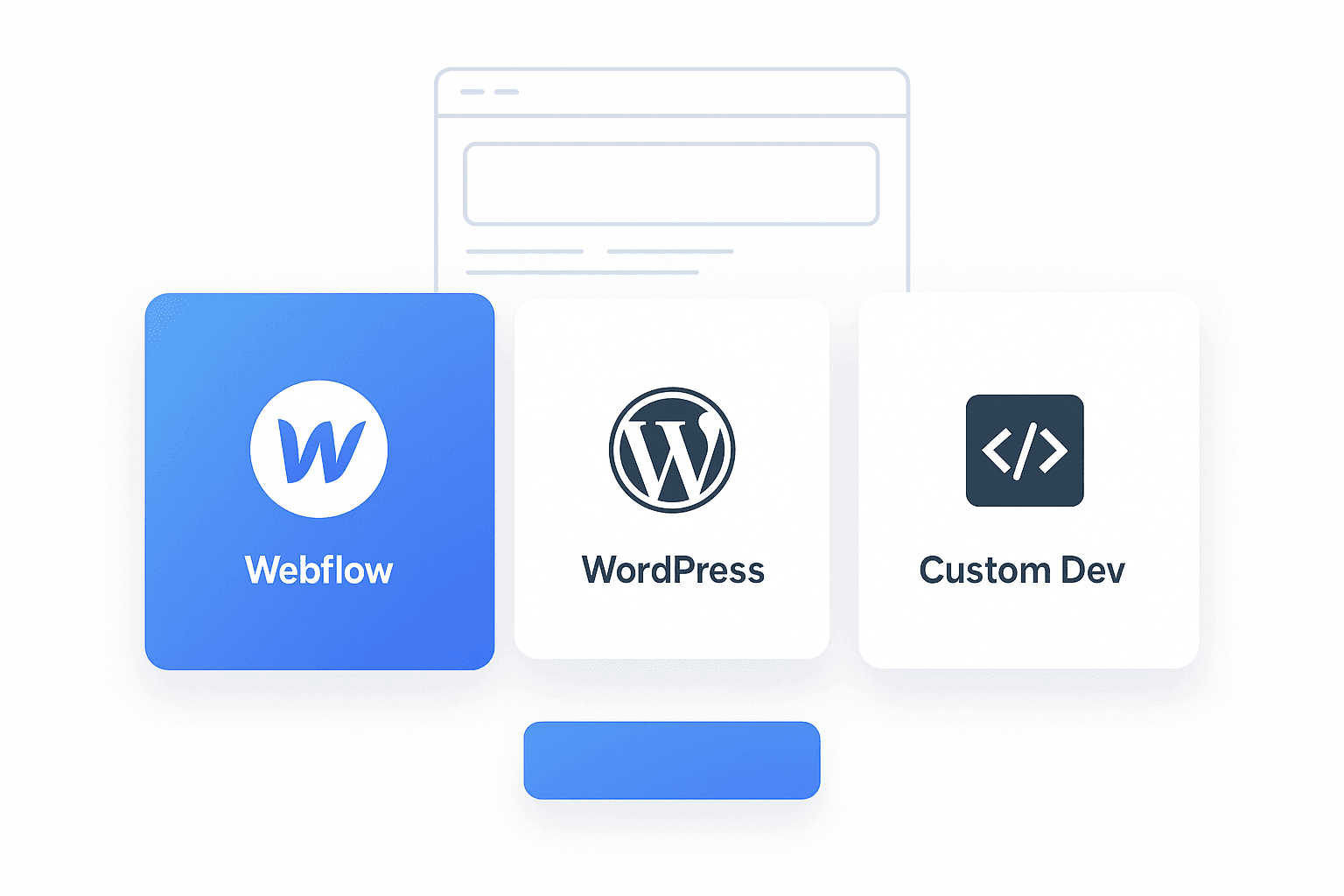
The best CMS for most Bay Area SaaS startups today is Webflow because it provides fast iteration, robust visual control, and a cleaner development stack without the maintenance burden of WordPress or the high cost and long timelines required for custom development. However, WordPress is still strong for content heavy operations, and custom development is ideal when you need total control over security, scalability, or SaaS level integrations.
1. What Bay Area SaaS Companies Should Look for in a CMS
Choosing a CMS is not just a tech decision. It affects marketing velocity, product clarity, and investor perception.
Key factors to evaluate
1.1 Speed of Iteration
SaaS brands thrive when they can ship updates quickly.
1.2 Integrations with Product and Analytics
CRMs, onboarding tools, app dashboards, and attribution platforms must connect without friction.
1.3 Security and Maintenance Requirements
Tech teams cannot waste cycles managing updates or plugin issues.
1.4 Performance and PageSpeed
Bay Area SaaS audiences expect fast loading platforms.
1.5 Design Flexibility
Your CMS must support modern UI, custom animations, and evolving brand identity.
1.6 Scalability
As the product grows, the CMS should handle expansions without rewrites.
2. Webflow for SaaS: When It Is the Best Choice
Webflow has become the leading choice for early stage and growth stage SaaS companies.
2.1 Why SaaS Brands Prefer Webflow
- Fast iteration without engineering dependency
- True visual development that matches product grade UI
- Native hosting with top tier performance
- CMS collections ideal for documentation, blogs, and product updates
- Reliable security and zero plugin maintenance
2.2 Strengths
- Great for marketing teams
- Ideal for brand storytelling and product pages
- Predictable performance and reliability
- Integrates with HubSpot, Make, Zapier, Segment, and other tools used in SaaS ecosystems
- Built in animations support modern product demos and UI walkthroughs
2.3 Weaknesses
- Not ideal for extremely content heavy sites with thousands of posts
- Harder to customize at the database level
- Less flexible when building multi role dashboards or advanced app logic
Best for
Early stage SaaS, Series A, Series B, and teams prioritizing fast marketing operations.
3. WordPress for SaaS: When It Still Makes Sense
WordPress continues to serve SaaS teams that need full editorial control and long form content.
3.1 Why Some SaaS Companies Choose WordPress
- Unlimited content structuring
- Mature plugin marketplace
- Ideal for SEO heavy brands
- Flexible editorial permissions
3.2 Strengths
- Massive plugin ecosystem
- Cost effective to start
- Highly customizable through development
3.3 Weaknesses
- Requires ongoing maintenance
- Plugin conflicts can break pages
- Security vulnerabilities require constant monitoring
- Slower without optimization
Best for
Content heavy SaaS companies, enterprise blogging operations, and teams with internal development resources.
4. Custom Development: When Total Control Is Required
Custom development is the most expensive path, but it is the most powerful when done correctly.
4.1 When SaaS Brands Choose Custom Dev
- Complex product sites that merge app dashboards with marketing
- Advanced user roles and permission logic
- Large scale multi regional infrastructure
- Fully bespoke customer experiences
4.2 Strengths
- Total flexibility
- Highest security and architectural control
- Tailored for complex SaaS workflows
- Ideal for enterprise scale or deep integrations
4.3 Weaknesses
- Expensive to build and maintain
- Slower iteration cycles
- Requires a technical team to manage everything
- Not ideal for early or mid stage startups
Best for
Enterprise SaaS and high compliance industries.
5. Comparison Breakdown
Webflow vs. WordPress vs. Custom Dev
5.1 Speed of Build
- Webflow: Fast
- WordPress: Medium
- Custom Dev: Slowest
5.2 Maintenance
- Webflow: Very low
- WordPress: High
- Custom Dev: Very high
5.3 Security
- Webflow: Strong and managed
- WordPress: Vulnerable without constant care
- Custom Dev: Strong but requires a team
5.4 Scalability
- Webflow: Good
- WordPress: Good to very good
- Custom Dev: Unlimited
5.5 Cost
- Webflow: Medium
- WordPress: Low to medium
- Custom Dev: High to very high
Final Tips
Bay Area SaaS companies should choose a CMS based on stage, speed of iteration, and long term complexity. Webflow is ideal for 70 percent of teams. WordPress works well for content driven SaaS companies. Custom development is the right choice for companies that need complete architectural control.
FAQs
What is the fastest CMS for launching SaaS marketing sites?
Webflow is the fastest because it allows visual development without engineering delays.
Is WordPress still good for SaaS companies in 2025?
Yes. If your SaaS has a heavy editorial strategy or needs plugins for unique workflows, WordPress remains effective.
Is custom development worth it for early stage SaaS?
Usually no. It is expensive, slow, and unnecessary unless you have deep product integration needs.
Which CMS offers the best security for SaaS?
Webflow and custom development provide stronger security due to managed hosting or controlled architecture.