


- Introduction
- Quick Answer
- 1. Make your WordPress site a “product” with real ownership
- 2. Set clear roles, permissions, and access boundaries
- 3. Build a lightweight content workflow that supports speed
- 4. Standardize content architecture and naming conventions
- 5. Govern plugins, themes, and custom code to protect stability
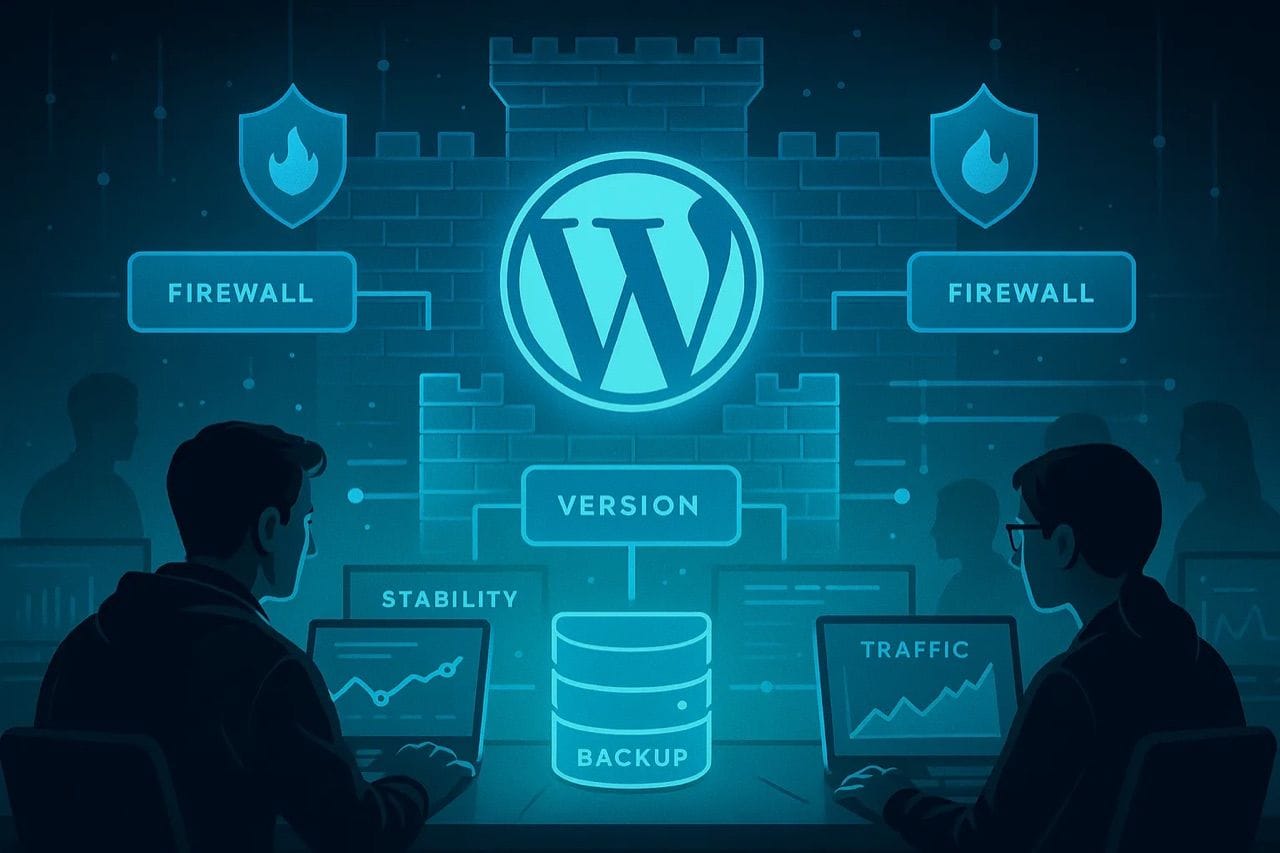
- 6. Use staging, backups, and monitoring as safety nets
- 7. Document key processes in a concise, living playbook
- 8. Align WordPress governance with product and GTM roadmaps
- 9. Use regular audits and metrics to guide improvements
- Final Tips for Bay Area Teams Managing a Growing WordPress Site
Introduction
For many Bay Area startups, a WordPress site starts as a simple brochure for fundraising and early customers. Then you add product updates, SEO content, hiring pages, investor resources, and campaign landing pages. Multiple people log in, experiments stack up, and suddenly every change feels risky.
Governance and content operations are how you keep that growing WordPress site stable and manageable while the company moves at a Silicon Valley pace.
Quick Answer
Bay Area startups should treat a growing WordPress site like a core product surface, with clear ownership, role-based access, a simple content workflow, and lightweight technical safeguards. In practice, that means naming a site owner, defining roles and permissions, standardizing brief → draft → review → publish workflows, governing plugins and themes, using staging and backups for safety, documenting key processes, aligning the site with product and GTM roadmaps, and running regular audits. This keeps your WordPress site fast and reliable for launches, fundraising, and hiring, without slowing down experimentation.
1. Make your WordPress site a “product” with real ownership
In early stages, the site often belongs to whoever last updated the homepage. That breaks once you have multiple teams, agencies, and freelance contributors.
Put a simple governance model in place:
- Name a single site owner
Usually a Head of Marketing, Growth lead, or product marketing manager. This person:
Owns decisions about structure and content prioritiesApproves major changes to templates and navigationCoordinates with product and sales on key pages - Create a small cross-functional steering group
For example:
Marketing or GrowthProduct or Product MarketingSales or Revenue OperationsEngineering or IT
The group does not review every blog post. They align on bigger changes such as redesigns, new sections, or infrastructure shifts. - Define “what good looks like” for your site
Capture a few core principles:
The site must stay fast on mobile for Bay Area and global visitorsProduct and pricing information should never be out of dateContent must match your current positioning and fundraising story
Treating the site as a product keeps decisions focused and reduces one-off exceptions.
2. Set clear roles, permissions, and access boundaries
It is tempting to give admin access to everyone who asks. That increases the risk of outages during launches and investor announcements.
Use a role structure that matches how your team actually works:
- Default roles
Administrators
2 to 4 people total. Handle configuration, plugins, themes, and user management.Editors
Content leads who can publish and edit others’ content. Own quality and consistency.Authors
Regular contributors who publish their own content within defined templates.Contributors
Occasional writers who draft content but need an editor to publish. - Apply least privilege
Give each person only the access required for their responsibilities.Avoid “temporary” admin access without a plan to roll it back. - Separate production from experimentation
Use staging or a sandbox site for layout experiments and new plugins.Limit who can change global elements such as headers, footers, and sitewide settings. - Enforce basic security hygiene
Strong passwords and password managersTwo-factor authentication where possibleRemove access immediately when employees, founders, or agencies roll off
Review roles and permissions at least quarterly or after major hiring waves.
3. Build a lightweight content workflow that supports speed
Bay Area teams need to move quickly without turning the site into a messy archive. A simple, consistent content workflow keeps quality high while allowing fast iteration.
You can start with a minimum viable workflow:
- Brief
One short document or form that captures:
Objective and primary question to answerTarget audience and stage in the funnelFormat such as guide, feature page, case study, landing pageOwner and deadline - Draft
Writer creates the first draft in WordPress or your preferred writing tool.Use standard templates for each content type so structure stays predictable. - Review
Editor or content lead reviews for clarity, accuracy, and alignment.Subject matter experts weigh in on technical or regulatory points where needed.Legal or compliance review only for specific high-risk topics. - Optimize and format
Refine the title and headings for readers and search.Add internal links to relevant pages and resources.Compress images, set alt text, and fill in metadata. - Approve and schedule
One final approver signs off.Schedule the content to publish at a defined time, not ad hoc. - Post-publish check
Verify layout on desktop and mobile.Confirm forms, CTAs, and tracking events work as expected.
The goal is a repeatable path from idea to published article without unnecessary steps.
4. Standardize content architecture and naming conventions
As you add more product lines, regions, and campaigns, a lack of structure makes the site hard to manage. Content governance should make it easy to find, update, and retire pages.
Focus on four areas:
- Information architecture
Define a stable set of top-level sections such as Product, Solutions, Resources, Company, and Pricing.Route new content into these sections rather than adding new top-level items. - Categories and tags
Use categories for broad groupings such as “Product updates”, “Guides”, and “Customer stories”.Use tags for secondary attributes such as industry, persona, or feature.Regularly merge or remove near-duplicate tags that dilute your taxonomy. - URL structure
Pick clear patterns for blogs, product pages, and landing pages.Decide how you handle dates in URLs and stick with that choice.Use redirects when you update or consolidate content. - Backend naming
Name pages for internal clarity, not just front-end navigation.Examples:
“Landing – Demo Request – Primary”“Page – Product – AI Platform Overview”“Blog – Guide – Governance for WordPress Sites”
This structure helps new team members, agencies, and partners navigate the site quickly.
5. Govern plugins, themes, and custom code to protect stability
Many WordPress issues in high-growth startups come from unmanaged plugins and custom code.
Put guardrails around your stack:
- Plugin approval process
Only admins install, update, or remove plugins.Evaluate new plugins on:
Security record and reviewsUpdate frequency and compatibilityOverlap with existing solutions - Limit the number of plugins
Consolidate overlapping functionality.Prefer well maintained, widely used plugins over niche tools where possible. - Theme and custom code ownership
Assign a technical owner for your theme and custom code.Keep custom code in version control and document what each piece does.Avoid editing theme files directly in production whenever possible. - Update policy and change logging
Apply core, plugin, and theme updates on a predictable schedule.Test major updates in staging before pushing to production.Maintain a simple change log so you can trace issues back to recent changes.
This makes it less likely that a small technical change disrupts important launches or campaigns.
6. Use staging, backups, and monitoring as safety nets
Bay Area startups often run time-sensitive launches, PR pushes, and fundraising campaigns through their WordPress sites. Basic technical governance protects those moments.
Aim for a baseline set of safeguards:
- Staging environment
Test new layouts, plugins, and critical content changes in staging first.Give stakeholders access so they can review and approve changes. - Backups
Automatic daily backups of the full site and database.On-demand backups before large changes such as migrations or major updates.Clear instructions on how to restore and who can authorize it. - Monitoring
Uptime monitoring for core pages such as home, pricing, and signup.Basic performance tracking for mobile and desktop.Error logs accessible to whoever handles incidents. - Incident playbook
Short checklist on what to do for:
Site downtimeSecurity incidents or suspected compromiseBroken forms or checkout flowsInclude escalation paths and communication channels.
These measures reduce stress during high-visibility events.
7. Document key processes in a concise, living playbook
Governance only works if people know how things are supposed to work. The playbook should be short, easy to update, and stored where the team already collaborates.
Useful elements include:
- Content playbook
Types of content you publish and when to use each one.Example outlines for guides, product pages, and case studies.Voice and tone principles, with a few real examples. - Publishing checklist
One page that covers:
Pre-publish checks such as links, images, mobile viewSEO and metadata basicsInternal approvals required for each content type - Technical runbook
Step-by-step guides for common tasks:
Creating a new template or page typeUpdating menus and navigationRunning backups and restores - Access and security policy
How new users request accessWhich roles are allowed for which responsibilitiesHow and when access is removed
Keep this documentation updated after significant incidents or process changes.
8. Align WordPress governance with product and GTM roadmaps
The most effective Bay Area teams treat the website as a key part of their product and go-to-market strategy, not an isolated marketing channel.
Practical ways to align include:
- Integrate WordPress into launch plans
For every product or feature launch, define:
Required pages and assetsOwners and timelinesDependencies such as design or legal review - Support demand generation and ABM
Ensure WordPress can handle dedicated landing pages, form flows, and tracking for campaigns.Use consistent patterns so you do not reinvent layouts for every new initiative. - Manage positioning changes and pivots
When your story evolves, identify critical pages that must be updated first.Plan out how legacy content will be updated, consolidated, or redirected. - Handle new markets and regions
Decide early how you will structure multi-region or multi-language content.Avoid creating separate unmanaged micro-sites that are hard to maintain.
This alignment keeps your WordPress governance grounded in real business priorities.
9. Use regular audits and metrics to guide improvements
Governance improves over time when it is informed by data rather than intuition alone.
Build a simple recurring review cadence:
- Quarterly content audit
Identify top performing content by traffic and conversions.Flag content that is outdated, inaccurate, or off-message.Decide which assets to refresh, expand, or retire. - Technical and UX audit
Check page speed, mobile experience, accessibility basics, and broken links.Test critical user journeys such as signup, contact, and demo requests. - Governance audit
Review roles and permissions.Scan for unused accounts or excessive admin access.Update your playbook based on recent issues or edge cases. - Share a short summary with stakeholders
Highlight what improved and what still needs work.Connect governance decisions back to performance, lead quality, or support volume.
This rhythm keeps the site healthy without requiring constant large cleanups.
Final Tips for Bay Area Teams Managing a Growing WordPress Site
Treat the site as a product surface that supports launches, fundraising, and hiring, and keep governance simple enough that people will actually follow it. Limit admin access and manage plugins, themes, and custom code deliberately, then standardize workflows and content structures before growth accelerates. Use staging, backups, and monitoring so experiments do not put the business at risk, and review governance based on real incidents and metrics rather than theory.